更新時間:2025/12/29
本文適用於以下產品:AhnLab V3 Internet Security
作者:Alvin Huang
功能說明:本文說明AhnLab V3 Internet Security for Windows的獨立安裝操作方式。
1. 開啟並登入AhnLab MyCompany(https://mycompany.ahnlab.com)。

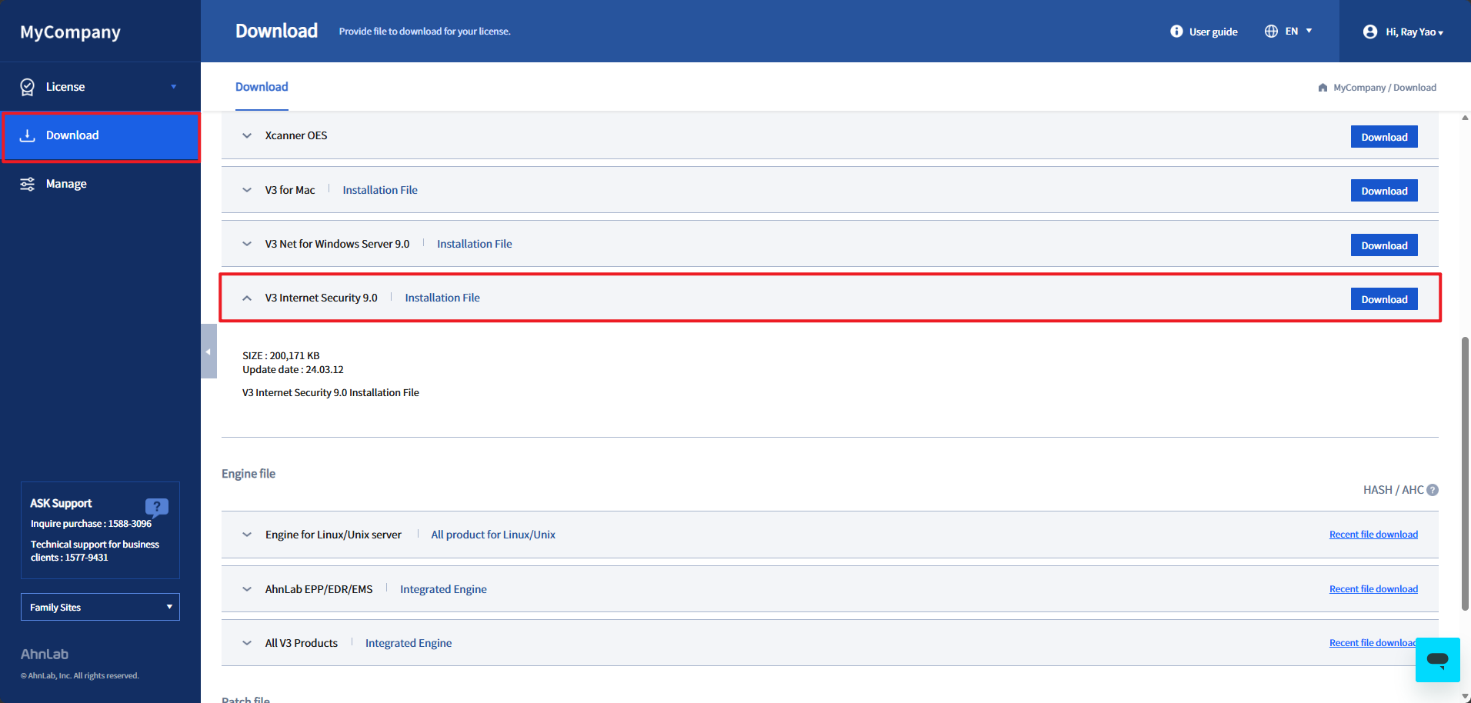
2. 登入後點選左邊選單的Download,下載V3 Internet Security主程式。
3. 在裝置上執行該安裝主程式。

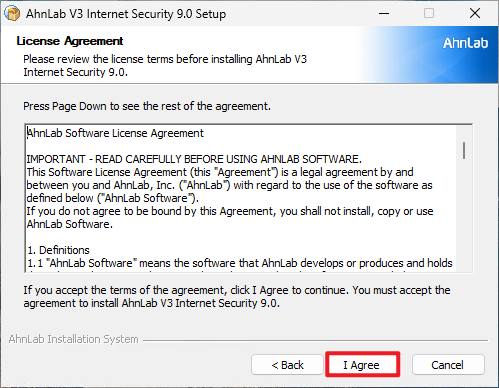
4. 同意條款後點選Next。

5. 輸入User Name和Product Number。
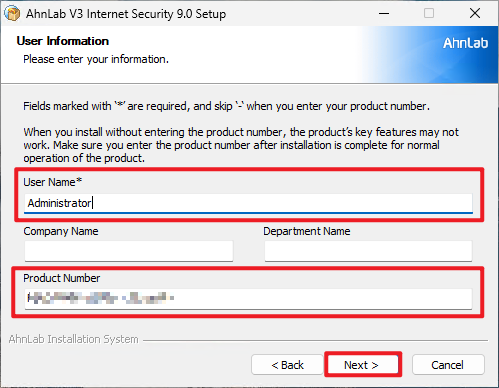
6. 安裝選項選All即可,路徑可根據需求調整。


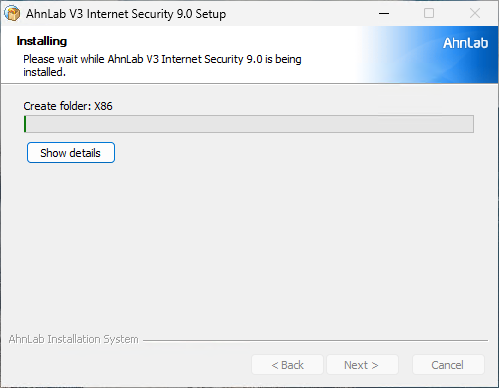
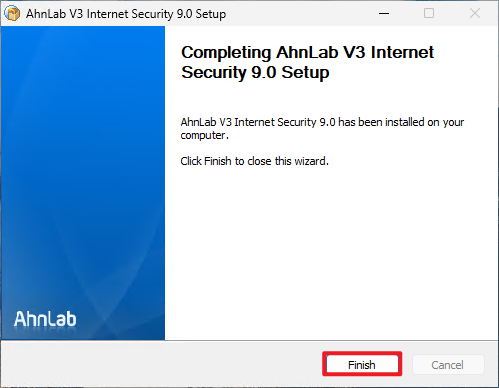
7. 等候安裝完成後,右下角出現V3圖示和UI介面即安裝完成。