本文適用於以下產品:AhnLab Endpoint Protection Platform (EPP)
更新時間:2025/12/01
作者:Victor Li
功能說明:本文將會說明如何透過CLI方式在有安裝代理程式的Linux上收集AhnReport。
※ 全程安裝請使用root權限。
1. 切換(cd)到 /usr/local/ahnlab/agent/report/bin/ 目錄下。

2. 執行指令./ahnrpt -s ahnreport.arc。

3. 按a鍵同意privacy policy後開始收集AhnReport。
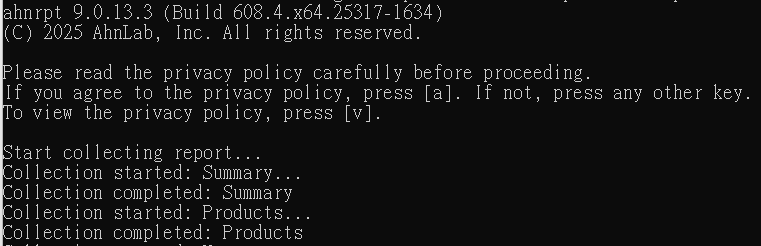
4. 收集完成後會在當前目錄下產生出ahnreport.arc檔案,即為日誌檔案。
