功能說明:
本文將會說明AhnLab Security Agent套件匯入至AhnLab EPP管理平台操作方式。
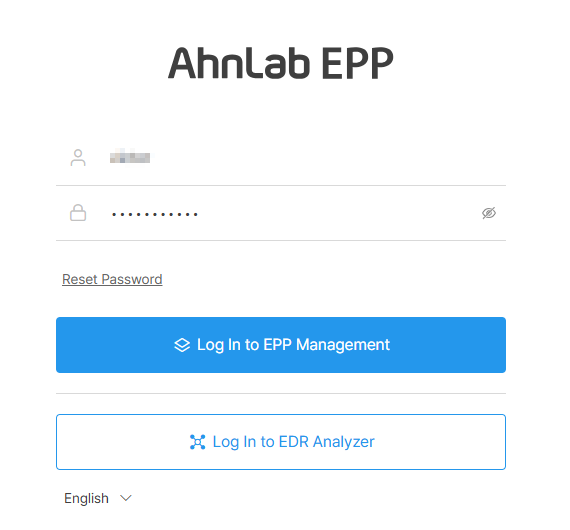
1.在瀏覽器上輸入https://<管理平台IP Address>:8803,登入EPP管理平台。
2.到Settings>Agent/Group>Agent Installation File。

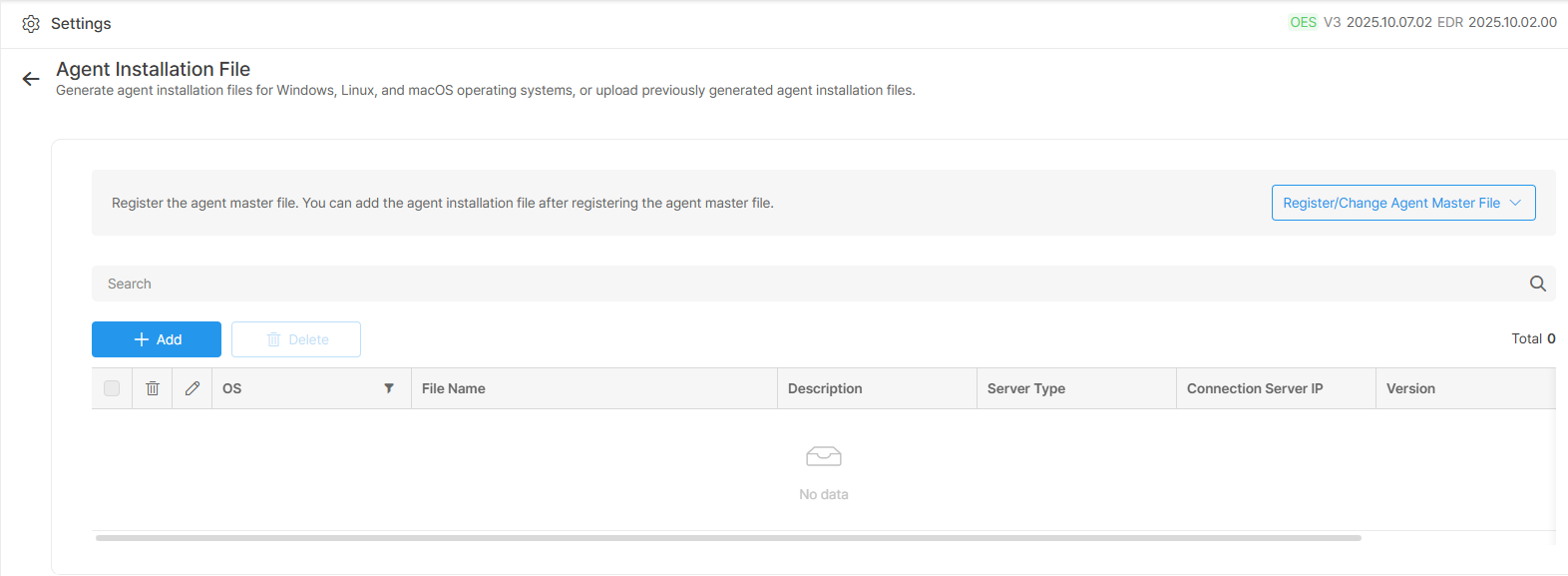
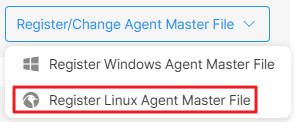
3.在Agent Installation File頁面點選Register/Change Agent Master File。


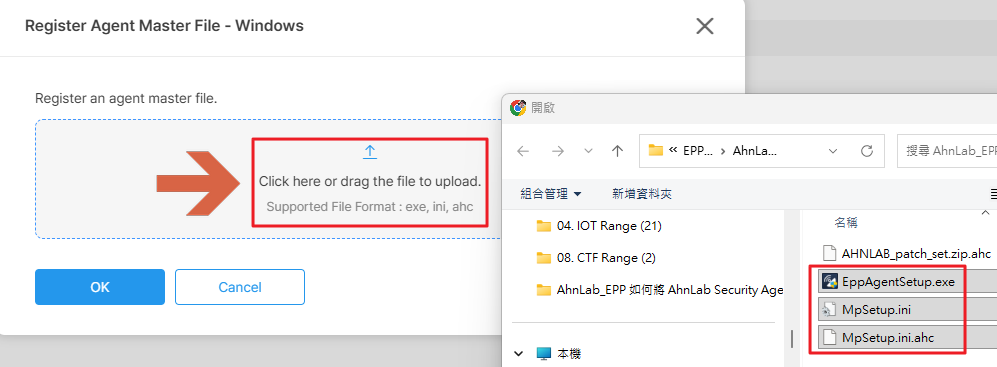
4.若要上傳For Windows的套件,請點選Register Windows Agent Master File並將套件包裡的EppAgentSetup.exe、MpSetup.ini、MpSetup.ini.ahc進行上傳。
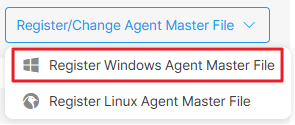
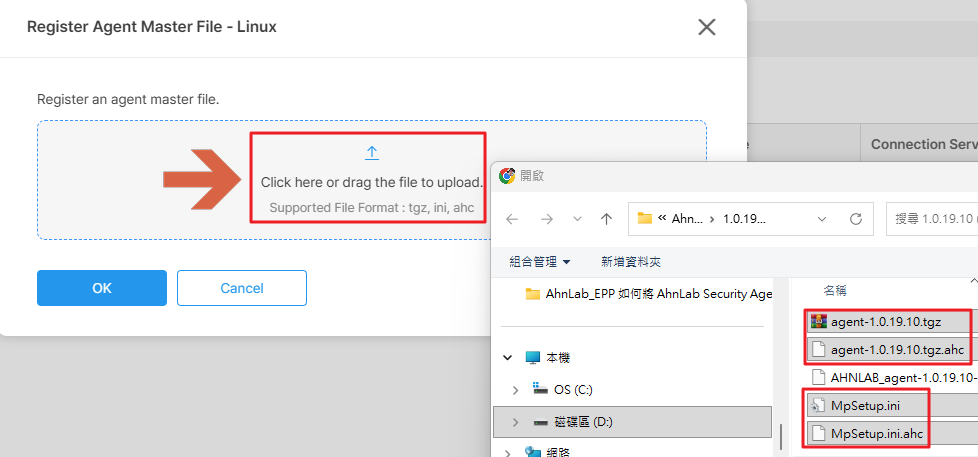
5.若要上傳For Linux的套件,請點選Register Linux Agent Master File並將套件包裡的agent-1.0.19.10.tgz、agent-1.0.19.10.tgz.ahc、MpSetup.ini、MpSetup.ini.ahc進行上傳。
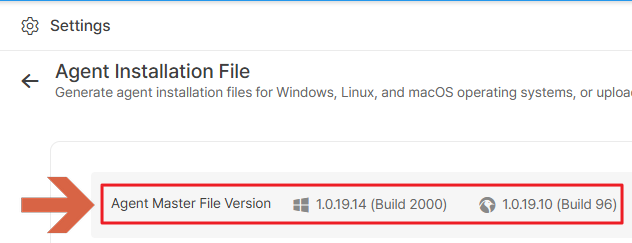
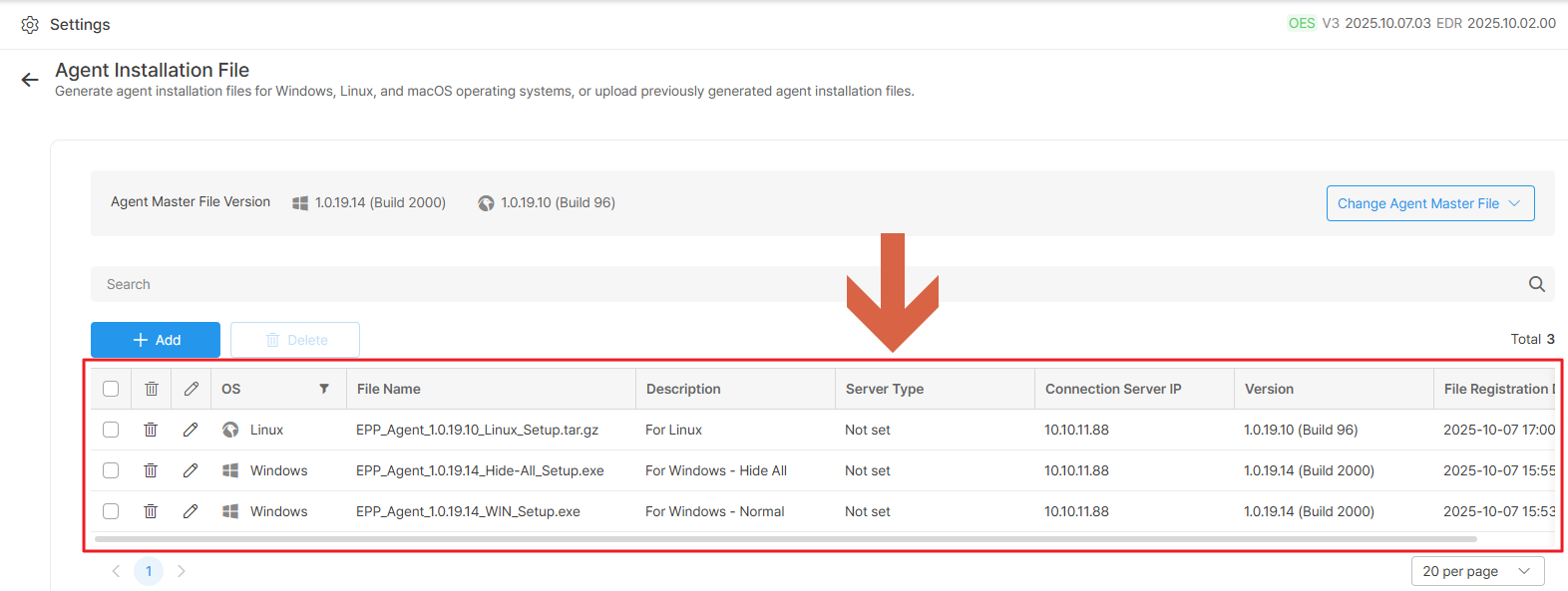
6.可在Agent Installation File頁面上的Agent Master File Version確認所上傳的Agent版本。
7.在Agent Installation File頁面上點選Add。
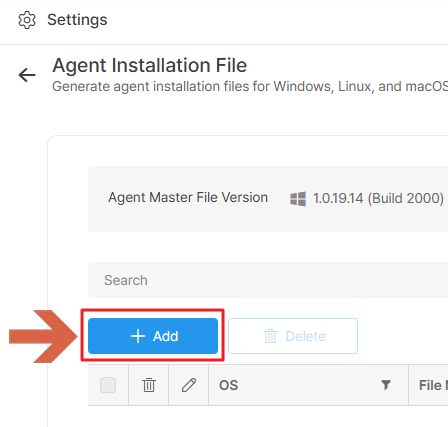
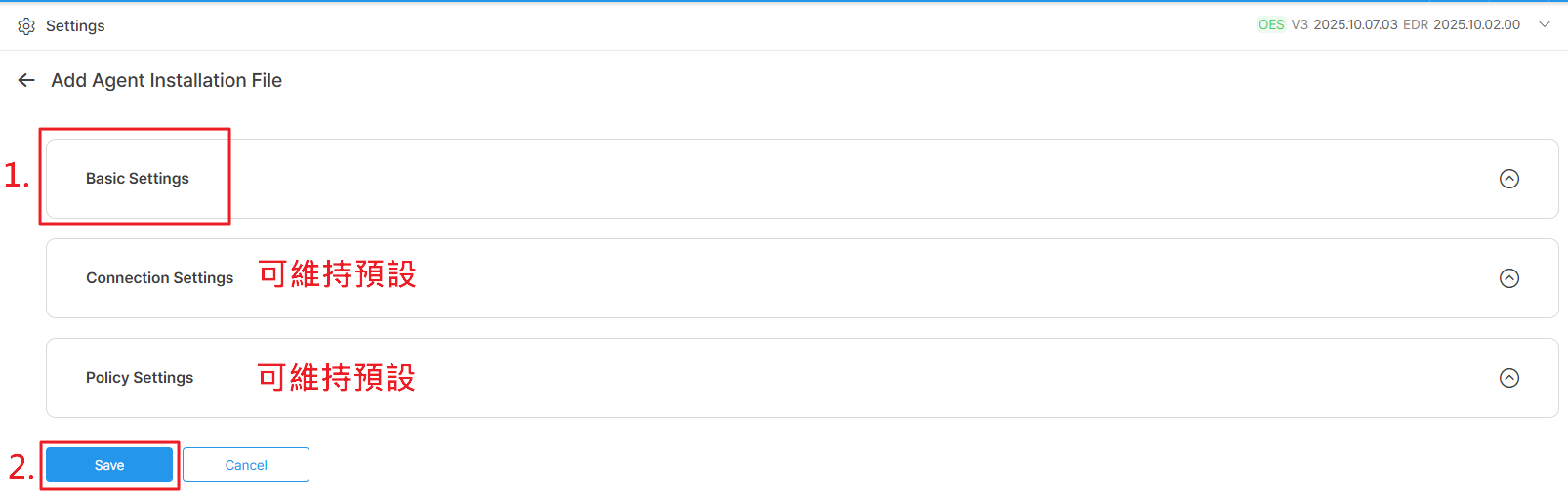
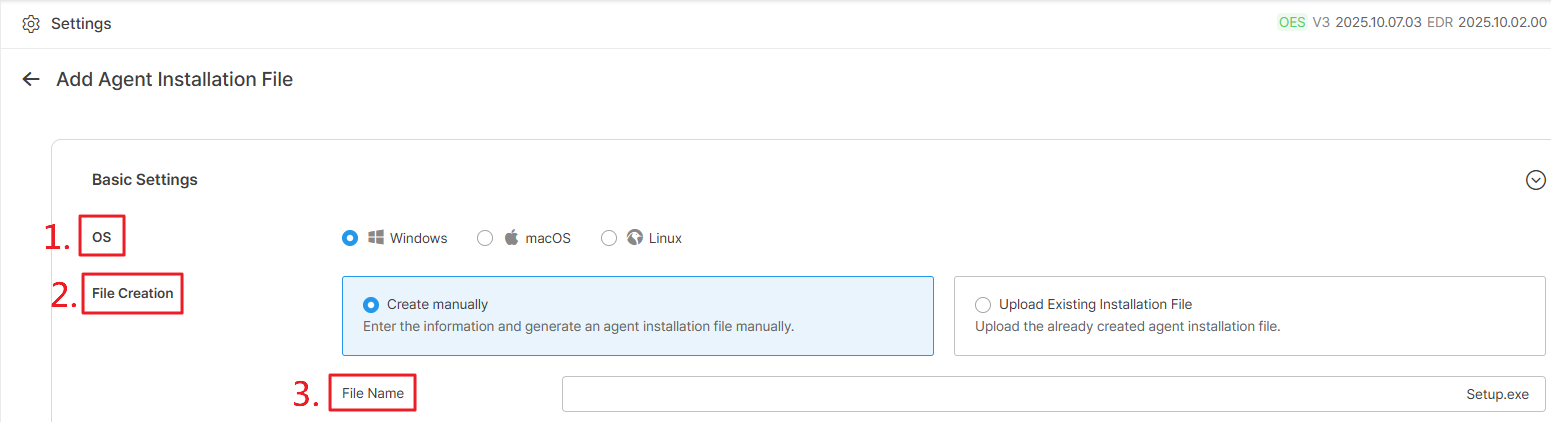
8.在Basic Settings上設定OS、File Creation(請選擇Create manually)、File Name後,點選Save。
9.可在Agent Installation File頁面上查閱所創建的AhnLab Security Agent安裝檔。
10.Agent安裝檔下載頁面:https://<管理平台IP Address>:5645。

※ macOS的AhnLab Security Agent套件須向AhnLab原廠開案申請。